

CR80 PVC
- Name
- Role
- ID number
85.60 × 53.98 mm
CR80 PVC card printing
IDcraft Studio is a Windows application for professional CR80 PVC card printing. Open an identity document that is already saved as a PDF, such as an ID form, and the app sets it as a print-ready card.
For print shops, offices, and schools that already have a CR80 printer and that PDF.
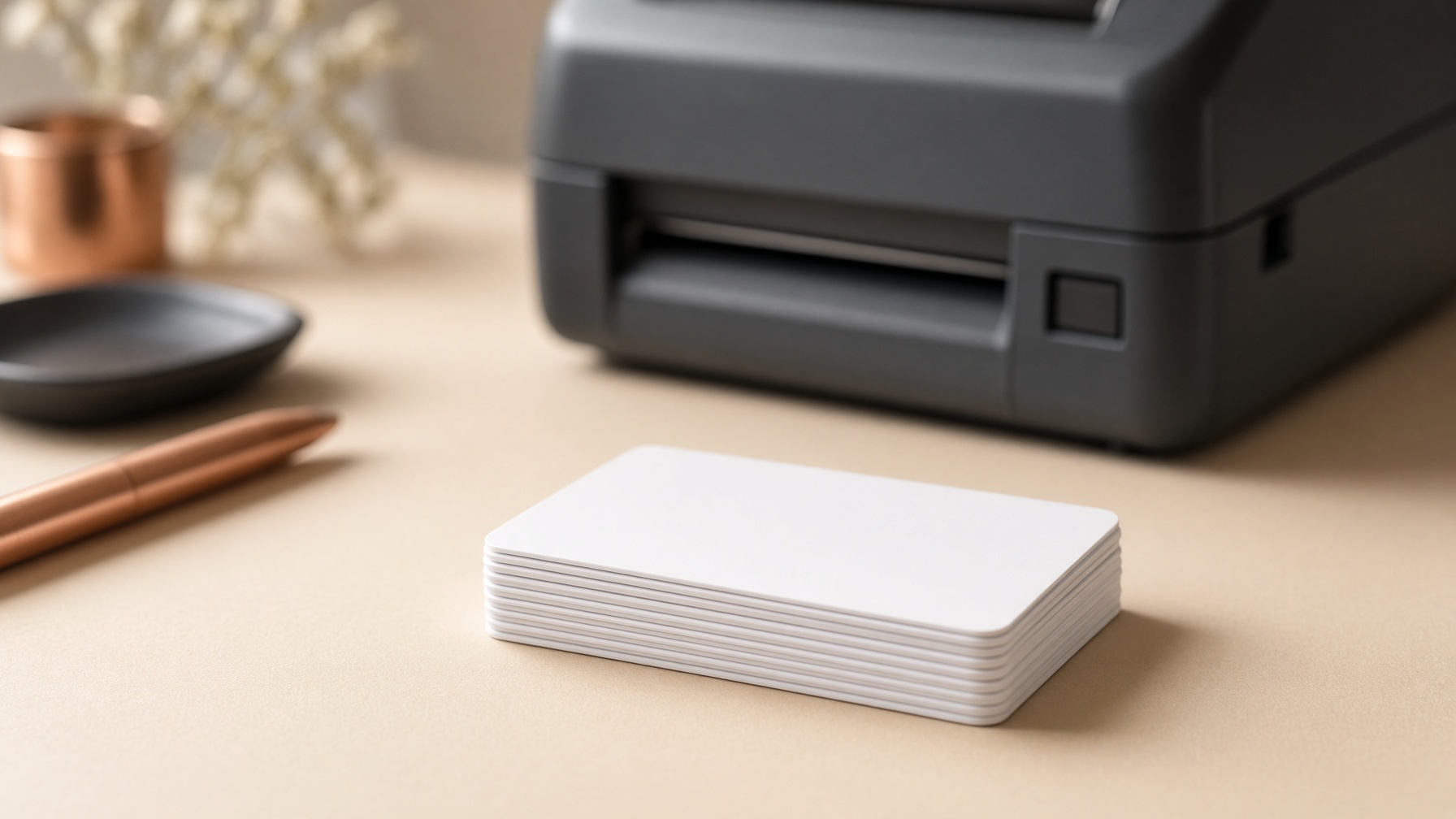
CR80 PVC
85.60 × 53.98 mm
Card layouts
An ID form saved as a PDF is set to a CR80 layout, so a PVC card printer can use it as it is.
Start from an identity document already saved as a PDF, such as an ID form. The app is built for that file, not a blank canvas.
The layout is print-ready and locked to a CR80 PVC card: 85.60 × 53.98 mm, positioned for the card rather than a full page.
Send it to a thermal or inkjet printer that takes CR80 PVC stock. The page is the card, not a sheet of thumbnails.
Know more has the card size, Windows version, and what the installer will include.
Coming next, and not in this version: birthday, wedding, and New Year cards, photo tools, and invitations.